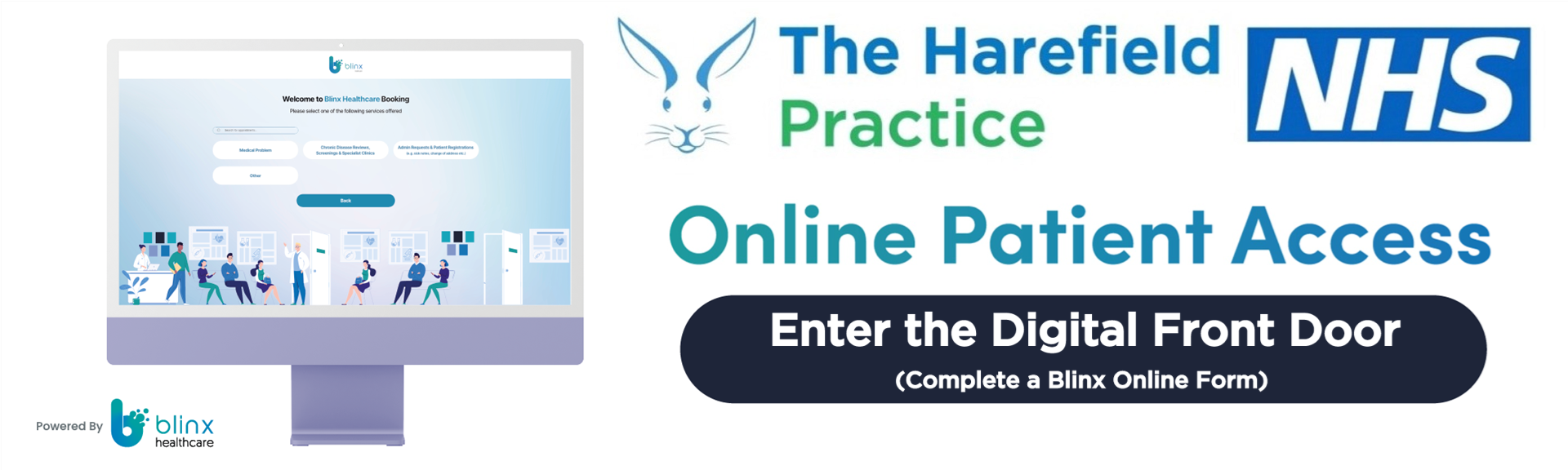
How to request a GP appointment using Blinx
Our new appointment request system
The Harefield Practice introduced a Total Triage system on 1 October 2026. This means all requests for GP appointments are reviewed by a member of our clinical team to make sure patients receive the most appropriate care.
What is Blinx?
Blinx is an online form that allows you to contact the practice about a medical concern or request an appointment without needing to telephone us.
You can explain your symptoms, tell us what help you need and provide information that helps our clinical team assess your request.
How to complete a Blinx form
-
Visit The Harefield Practice website and select the Blinx online consultation link.
-
Enter your personal details so we can identify your medical record.
-
Explain your symptoms or the reason you need medical assistance.
-
Answer the questions and provide as much relevant information as possible.
-
Check your answers and submit your request.
What happens after I submit my form?
A member of our clinical team will review your request and decide the most appropriate next step. This may include a face-to-face appointment, telephone consultation, advice, or another suitable service.
Reception staff cannot directly book GP appointments without clinical authorisation.
What if I cannot use a computer or smartphone?
Please do not worry, We can help.
If you do not have internet access, have difficulty using technology or need assistance completing a Blinx form, please give us a call or visit the practice.
Our reception team can guide you, and a touchscreen computer is available at the surgery.
Frequently asked questions
Can I still telephone the practice?
Yes. If you are unable to use Blinx, please telephone the practice and explain that you need assistance with your request.
Will I automatically receive a GP appointment?
Not necessarily. Your request will first be reviewed by our clinical team, who will decide the most appropriate care.
Can someone help me complete the form?
Yes. Our reception team can help you access and complete the form if you need assitance.
What if I need urgent medical help?
If you need urgent help during practice opening hours, contact the practice promptly.
When we are closed, use NHS 111. For a life-threatening emergency, call 999.
Do not use Blinx for a life-threatening emergency. Call 999 immediately.
If you need medical help when the practice is closed, contact NHS 111 online or by telephone.